
Change password after first login to NaviCompact application
2023-02-13

-
Click on the menu, in the upper right corner.
-
Select "My account"
-
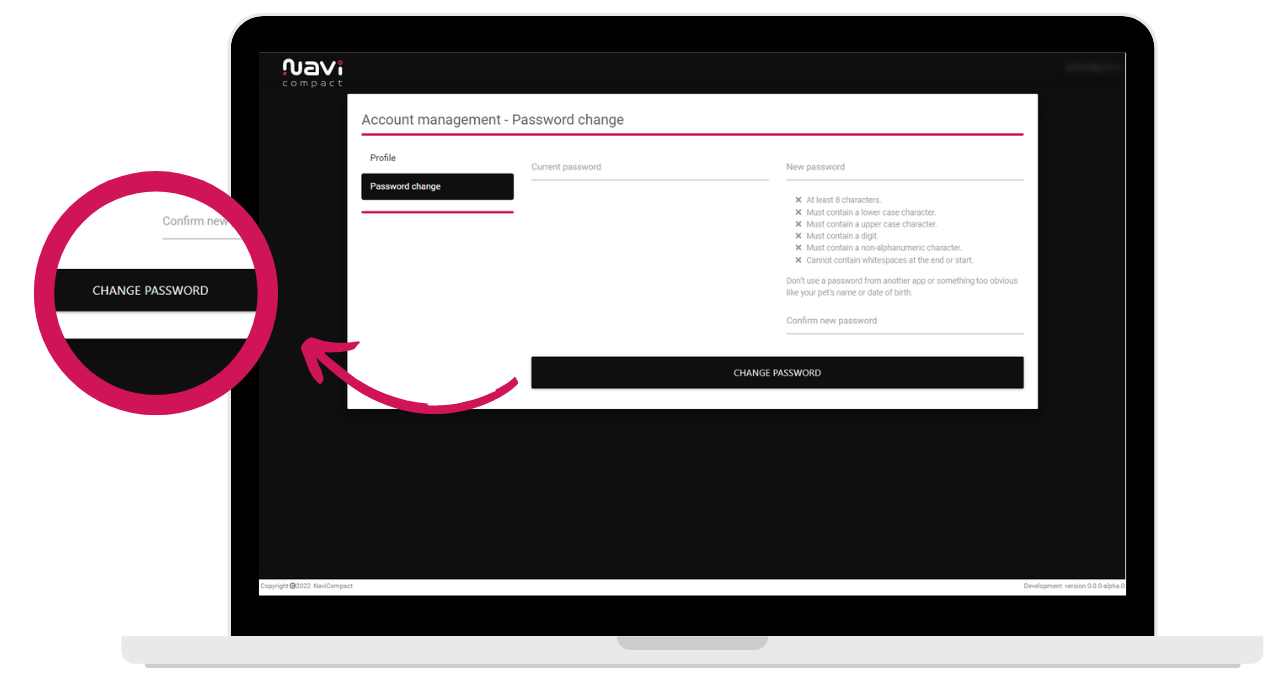
Go to the "Change password" tab.
-
Enter your current password in the "Current password" field.
-
Enter the changed password in the "New password" field.
-
In the "Confirm new password" field, enter the changed password again.
-
Confirm the password change by clicking on the "Change Password" button.
Show more entries from
February 2023